Best Reminder Apps for ADHD in 2026
2026-04-11
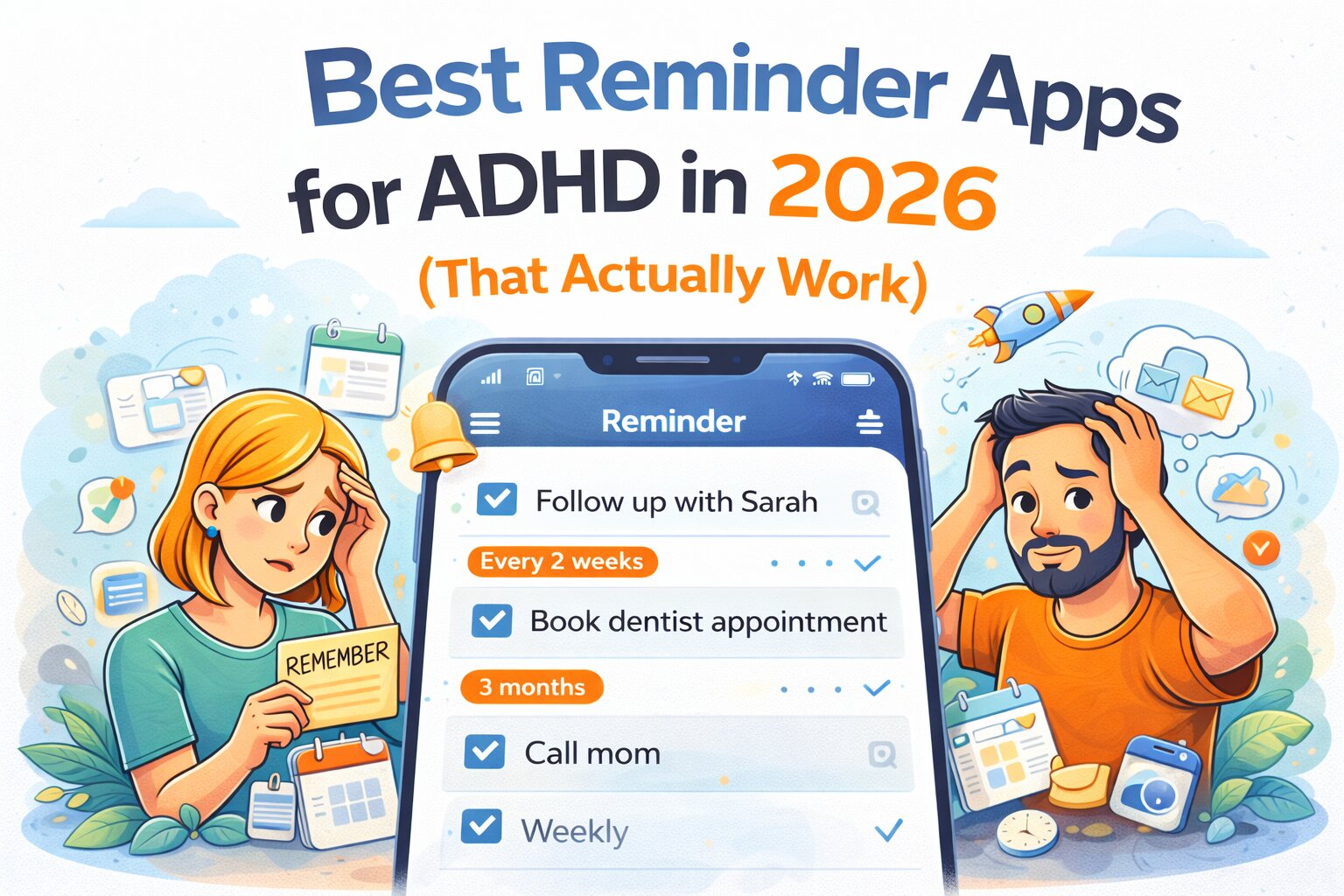
Updated 11th April 2026 Author: Gareth Goddard
If you have ADHD, forgetting things usually isn’t the real problem.
You remembered it.
Just not at the right time.
Or not when you could actually do something about it.
Or not after you dismissed the notification because you were in the middle of something else.
Most reminder apps assume a very optimistic version of reality:
- You see the reminder
- You’re free
- You do the thing
That’s not how ADHD works.
Why most reminder apps fail for ADHD
ADHD isn’t just about attention.
It affects executive function, which includes:
- working memory
- task initiation
- time awareness
- prioritisation
Research from the CDC highlights that ADHD impacts planning, organisation, and follow-through, not just focus.
Source: https://www.cdc.gov/adhd/about/index.html
And studies show that people with ADHD often struggle with prospective memory — remembering to do things in the future at the right moment.
Source: https://pubmed.ncbi.nlm.nih.gov/19702493/
That’s exactly where most reminder apps fall apart.
They rely on:
- fixed timing
- perfect conditions
- immediate action
Which is… optimistic.
What actually helps ADHD brains remember things
Reminder systems work better when they are:
- flexible (not locked to one exact time)
- low pressure (no guilt loops)
- easy to act on immediately
- persistent without being annoying
- designed for interruption
There’s also strong evidence that reducing friction increases follow-through. Behavioural research shows that even small barriers can prevent task initiation.
Source: https://behaviouraleconomics.pmc.ncbi.nlm.nih.gov/articles/PMC5951853/
So the best reminder app isn’t the one with the most features.
It’s the one that still works when you’re distracted, busy, or not ready.
The best reminder apps for ADHD in 2026
1. MaybeLater.Now
Best for: flexible, low-pressure, low friction to start reminders that work around real life
Pricing: Free tier, Pro $2.99/month or $30/year
MaybeLater.Now is built around a simple idea:
The timing of the reminder matters more than the reminder itself.
The key difference: randomised recurring reminders
Instead of setting:
“Every Tuesday at 5pm”
You can set:
- once a week
- once every 2 weeks
- once a month
…and the app will pick a random valid date and time within your chosen window.
We allow you to attach quick actions to reduce friction so you can open pre filled in messages to people, start a google search, start an LLM chat, Open a website, Pre fill in the dialer to the person you want to call - all so that the friction between reminder - and starting the task, is as little as possible.
Why this works for ADHD
If a reminder always shows up at the same time:
- you’re often busy
- you dismiss it
- your brain learns to ignore it
If it shows up at different times:
- you’re more likely to catch it at a good moment
- it feels less repetitive
- it avoids “notification blindness”
The reminder doesn't help you do the action
- You need to find the persons number
- You need to think of a message
- You need to remember the website to visit
This is especially useful for:
- “Check in with a friend regularly”
- “Follow up with a client”
- “Book appointments before they become urgent”
- “Do life admin before it becomes expensive”
- “Plan something social once a week”
Not:
- fixed meetings
- strict routines
- daily habits
Designed for ADHD reality
- No streaks
- No punishment for missing things
- No need to check the app constantly
You set it once.
Then it works in the background.
Features that actually help
- Randomised recurring reminders (core feature)
- Custom scheduling windows
- Cross-device sync (iOS, Android, Web, Desktop)
- Works offline
- Google Calendar + Outlook integration
- Quick actions (pre filled in call, message, email, links, search)
- Voice input + note-to-reminder
- Shared reminders (for partners, teams)
- Designed to reduce notification fatigue
- Designed to reduce friction in starting tasks
Where it’s not ideal
- strict routines
- habit streak tracking
- fixed-time scheduling
2. TickTick
Best for: combining reminders with habits
Pricing: Free, Premium ~$3/month
TickTick blends tasks, reminders, and habit tracking into one system.
Strengths
- Recurring tasks and reminders
- Built-in habit tracking
- Cross-platform
Weaknesses
- Heavy focus on streaks
- Fixed reminder timing
- Can create pressure rather than reduce it
Good if you like structure. Less ideal if you struggle with consistency.
3. Todoist
Best for: structured task management
Pricing: Free, Pro ~$4/month
Todoist is a powerful task manager with flexible recurring rules.
Strengths
- Strong organisation
- Clear task structure
- Reliable across platforms
Weaknesses
- Requires active management
- Reminders are secondary
- Fixed scheduling
Works well if you can maintain a system. Less helpful if the system itself is the problem.
4. Apple Reminders / Google Tasks
Best for: simple, low-effort reminders
Pricing: Free
Strengths
- Built-in and easy to use
- No setup required
Weaknesses
- Very basic functionality
- Easy to ignore
- No flexibility
They work, but they don’t adapt.
5. Fabulous
Best for: guided routines
Pricing: ~$5–10/month
Fabulous focuses on building daily routines through structured guidance.
Strengths
- Behavioural science approach
- Motivational design
Weaknesses
- Very structured
- Requires daily engagement
- Not flexible
Helpful for building habits, but not ideal for unpredictable days.
6. Finch
Best for: gentle, gamified support
Pricing: Free, optional subscription
Finch turns self-care into a game with a virtual companion.
Strengths
- Encouraging and supportive
- Good for emotional check-ins
Weaknesses
- Gamification isn’t for everyone
- Less focused on real-world execution
More emotional support than practical reminder system.
Comparison table
| App | Best For | Flexible Timing | Randomised | Low Pressure | Passive Use | Price |
|---|---|---|---|---|---|---|
| MaybeLater.Now | ADHD-friendly reminders | Yes | Yes | Yes | Yes | Free / $2.99/mo |
| TickTick | Habits + tasks | Medium | No | No | No | ~$3/mo |
| Todoist | Structured productivity | Medium | No | No | No | ~$4/mo |
| Apple/Google | Simple reminders | Low | No | Medium | Partial | Free |
| Fabulous | Habit building | Low | No | Medium | No | ~$5–10/mo |
| Finch | Emotional support | Low | No | Yes | No | Free / Paid |
Which ADHD reminder app should you choose?
- If you want structure → Todoist
- If you want habits → TickTick
- If you want simple → Apple / Google
- If you want guidance → Fabulous
But if your problem is:
- remembering at the wrong time
- ignoring repetitive reminders
- struggling to start tasks
- forgetting non-urgent things
- needing something that works in the background
Then you don’t need stricter systems.
You need better timing.
That’s where MaybeLater.Now is built differently.
The real problem isn’t remembering
It’s remembering at the moment it matters.
ADHD doesn’t mean you don’t care.
It means your reminder system needs to work with your brain, not against it.
Most apps try to force consistency.
Better ones increase the chance that when the moment comes…
you can actually act on it.