Best Shared To-Do List Apps for Couples in 2026
2026-04-14
Updated 14th April 2026
Author: Gareth Goddard
Best Shared To-Do List Apps for Couples in 2026 (That Actually Work)
Most couples don’t argue about big things.
They argue about:
- who was supposed to take the bins out
- who forgot to book the appointment
- who thought the other person was doing it
- and why one person always seems to be the one remembering everything
This isn’t really a communication problem.
It’s a systems problem.
Why most shared to-do list apps don’t actually help couples
On paper, shared to-do apps solve everything:
- shared visibility
- shared tasks
- shared responsibility
In reality:
- one person adds everything
- one person checks the app
- one person reminds the other person
So now instead of:
“I forgot”
It becomes:
“Why didn’t you check the app?”
Same problem. Slightly more organised. Slightly more annoying.
What couples actually need from a shared to-do list app
A shared system works better when:
- both people see reminders automatically
- tasks don’t rely on one person to manage them
- reminders show up at a time someone can actually act
- tasks don’t disappear if ignored once
- either person can complete the task
The goal isn’t just sharing tasks.
It’s sharing responsibility without constant reminders.
The best shared to-do list apps for couples in 2026
1. MaybeLater.Now
Best for: shared mental load, recurring life admin, and low-pressure reminders
Pricing: Free tier, Pro $2.99/month or $30/year
MaybeLater.Now is built around a simple idea:
The problem isn’t just tasks. It’s remembering them at the right time.
Why it works for couples
Instead of relying on one person to remember everything, you can create shared recurring reminders like:
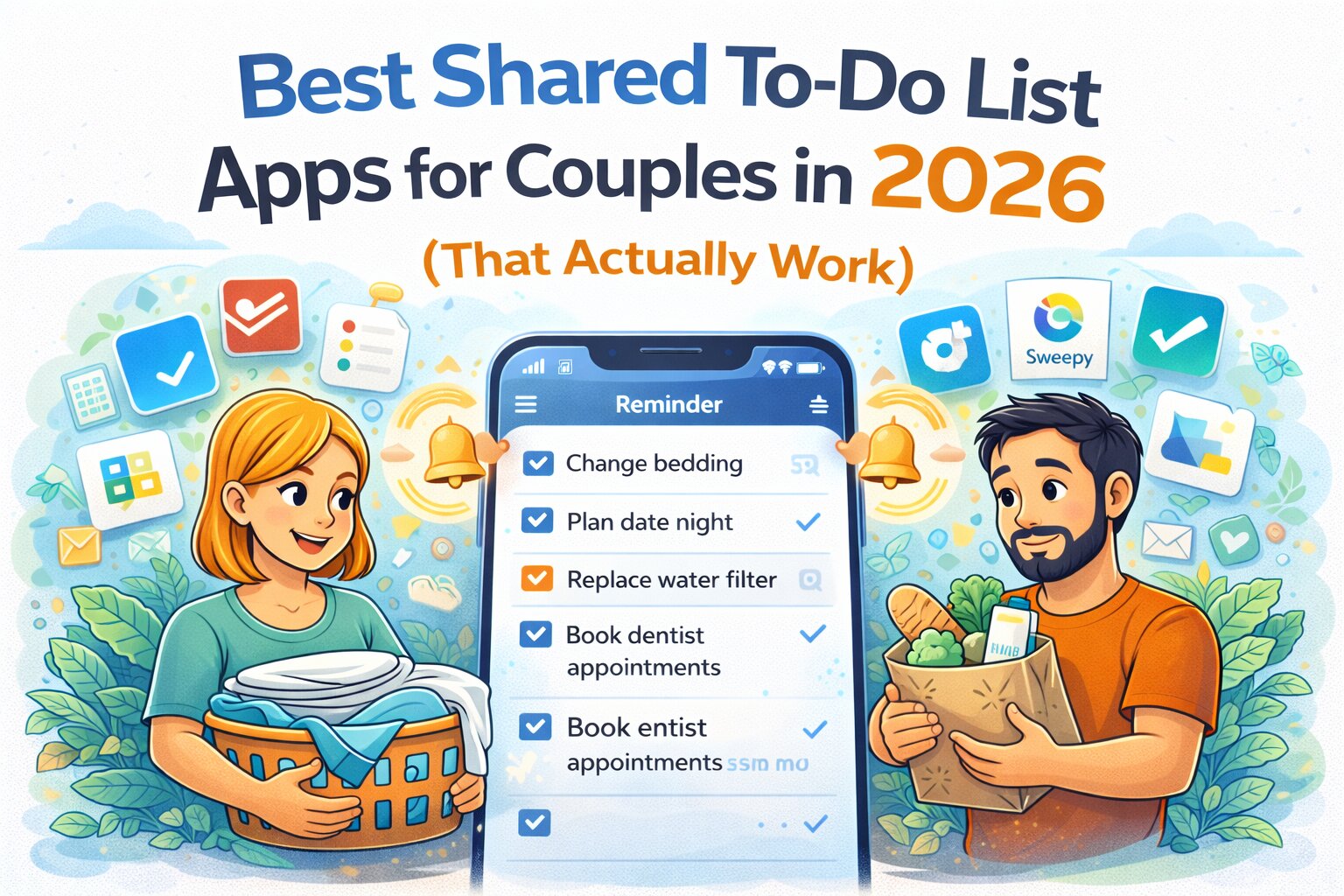
- “Change the bedding every week”
- “Replace the water filter every month”
- “Book dentist appointments every 6 months”
- “Plan a date night once a month”
- “Check in on finances regularly”
Both people:
- get the reminder
- see the task
- can complete it
Once it’s done, it disappears for both.
No chasing. No awkward “I thought you were doing that” conversations.
The key difference: randomised reminders
Instead of:
“Every Sunday at 7pm”
You can set:
- once a week
- once every 2 weeks
- once a month
…and the app will randomise the exact timing within a valid window.
Why this matters
Fixed reminders:
- show up at the same bad time
- get ignored
- become background noise
Randomised reminders:
- feel less predictable
- are more likely to hit a moment when someone can actually act
- reduce the chance of automatic dismissal
Which means they’re far more likely to result in the task actually getting done, instead of quietly becoming next week’s problem.
Features couples actually use
- Shared recurring reminders
- Randomised timing (reduces reminder fatigue)
- Cross-platform (iOS, Android, Web, Desktop)
- Google Calendar + Outlook integration
- Works offline
- Push + device notifications
- Quick actions (call, message, email, links)
- Voice input + note-to-reminder
- Designed for “set and forget” use
Where it’s not ideal
- complex project management
- strict schedules (“every Tuesday at 2pm”)
2. Todoist
Best for: structured shared task management
Pricing: Free, Pro ~$4/month
Todoist is one of the most well-known task management apps and works well for couples who prefer a more structured, organised approach. You can assign tasks to each other, add due dates, set priorities, and organise everything into projects.
The strength of Todoist is clarity. You always know who is responsible for what, and everything is neatly organised.
The downside is that it still relies heavily on both people actively using the app. If one person stops checking it, the system breaks. Recurring tasks are also fixed to specific times, which can make them easy to ignore if they consistently show up at the wrong moment.
3. Apple Reminders / Google Tasks
Best for: simple shared lists
Pricing: Free
Apple Reminders and Google Tasks are the default options for most people, mainly because they’re already on your phone. You can create shared lists, add tasks quickly, and set basic reminders without much setup.
They work well for simple things like shopping lists or one-off tasks.
Where they fall short is flexibility. Reminders are basic, recurring options are limited, and it’s very easy for notifications to be dismissed and forgotten. There’s no real system to help tasks stay visible or resurface later, which is where most shared responsibilities tend to fall apart.
4. Cozi
Best for: family organisation
Pricing: Free, Premium tier
Cozi is designed specifically for families and focuses on shared calendars, lists, and planning tools. It’s useful if you want a central place to organise schedules, appointments, and household tasks.
The shared calendar is one of its strongest features, especially for busy households.
However, the reminder system is fairly basic, and it doesn’t adapt well to real-life timing issues. Tasks can still be missed or ignored if they show up at the wrong time, and the overall experience can feel a bit dated compared to newer apps.
It helps organise things, but it doesn’t fully remove the mental load behind them.
5. Sweepy
Best for: household chores
Pricing: Free, Premium tier
Sweepy focuses on cleaning and household chores, making it a good option if your main goal is to stay on top of things like cleaning schedules, laundry, and general upkeep.
It adds a bit of structure and visibility to chores, and both people can see what needs to be done.
The limitation is that it’s very focused on one category of tasks. It doesn’t handle broader life admin well, like appointments, reminders, or irregular responsibilities. It also requires fairly active use, which means it can fall into the same trap of needing constant attention to stay effective.
6. Any.do
Best for: daily planning
Pricing: Free, Premium ~$5/month
Any.do combines tasks, reminders, and calendar views into a clean, simple interface. It’s designed for daily planning and works well if you like reviewing your tasks regularly.
It’s easy to use and quick to set up, which makes it appealing at first.
The downside is that it leans heavily on daily engagement. Recurring reminders are predictable, and like many apps, it assumes you’ll check in regularly and act on things immediately. That doesn’t always match how real life works, especially when things get busy or unpredictable.
Comparison table
| App | Best For | Shared Reminders | Recurring Tasks | Smart Timing | Passive Use | Price |
|---|---|---|---|---|---|---|
| MaybeLater.Now | Shared mental load | Yes | Yes | Yes | Yes | Free / $2.99/mo |
| Todoist | Structured tasks | Yes | Yes | No | No | ~$4/mo |
| Apple/Google | Simple lists | Yes | Limited | No | Partial | Free |
| Cozi | Family organisation | Yes | Basic | No | Partial | Free / Paid |
| Sweepy | Household chores | Yes | Basic | No | No | Free / Paid |
| Any.do | Daily planning | Yes | Medium | No | No | ~$5/mo |
Which shared to-do list app should couples choose?
- If you want structure and assignments → Todoist
- If you want something simple → Apple / Google
- If you want family planning → Cozi
- If you want chores → Sweepy
But if your problem is:
- one person remembering everything
- recurring tasks being forgotten
- reminders being ignored
- things slipping through the cracks
Then you don’t just need shared lists.
You need a system that:
- reminds both people
- works at the right time
- doesn’t rely on constant checking
- actually reduces the mental load
That’s where MaybeLater.Now is built differently.
The real goal isn’t organisation
It’s not about perfectly managing tasks.
It’s about:
- not having the same conversations every week
- not relying on one person’s memory
- and not letting small things turn into bigger problems
A good shared to-do list doesn’t just organise tasks.
It quietly makes life feel a bit easier.